The digital signage devices we would actually buy for a Screen Keep rollout.
Pick hardware based on network reliability, rollout size, and whether you want to reuse an existing TV or buy an all-in-one screen. Screen Keep still keeps the software side simple with a no-subscription on-device option.
Hardware options from about $25
Built-in ethernet choices for more stable deployments
One-time Screen Keep option still available when subscriptions are unnecessary
Choose the device path
Use a box
Best when you already own the screen and just need signage hardware.
Choose ethernet
Worth it when uptime matters more than shaving a few dollars off the device.
Buy all-in-one
Good for fresh installs where you want fewer pieces to manage.
What matters most
Use ethernet when the screen cannot afford flaky connectivity.
Keep the box separate when you already own the display.
Choose all-in-one only when fewer moving pieces matters more than flexibility.
Device buying paths
Pick the deployment shape first so the hardware decision gets easier.
The right device depends less on the sticker price and more on whether you are reusing an existing TV, how much you care about ethernet, and how cleanly you want to support the screen later.
Path 1
Use a box
Best when you already own the screen and just need signage hardware.
Path 2
Choose ethernet
Worth it when uptime matters more than shaving a few dollars off the device.
Path 3
Buy all-in-one
Good for fresh installs where you want fewer pieces to manage.
Recommended devices
Start with the screen workflow, then buy hardware that supports it.
These picks are aimed at practical Screen Keep rollouts: existing TVs that need a box, installs that benefit from built-in ethernet, and all-in-one screens where keeping the setup compact matters most.
Price guidance
Prices are planning estimates, not live pricing. Retailer pricing and availability can change; confirm the current price before purchase.
Affiliate disclosure
Disclosure: Some device links on this page are affiliate links. If you buy through them, Screen Keep may earn a commission at no extra cost to you. Recommendations are based on signage fit, device capability, and setup simplicity.
As an Amazon Associate I earn from qualifying purchases.
Device review method
This is a specification-led desk review of the four exact U.S. models shown. We compared current manufacturer and retailer listings, TV app platform, built-in networking, form factor, and checked price. We did not conduct hands-on benchmarks or long-term reliability testing.
Screen Keep Team
United States
Last reviewed: July 9, 2026
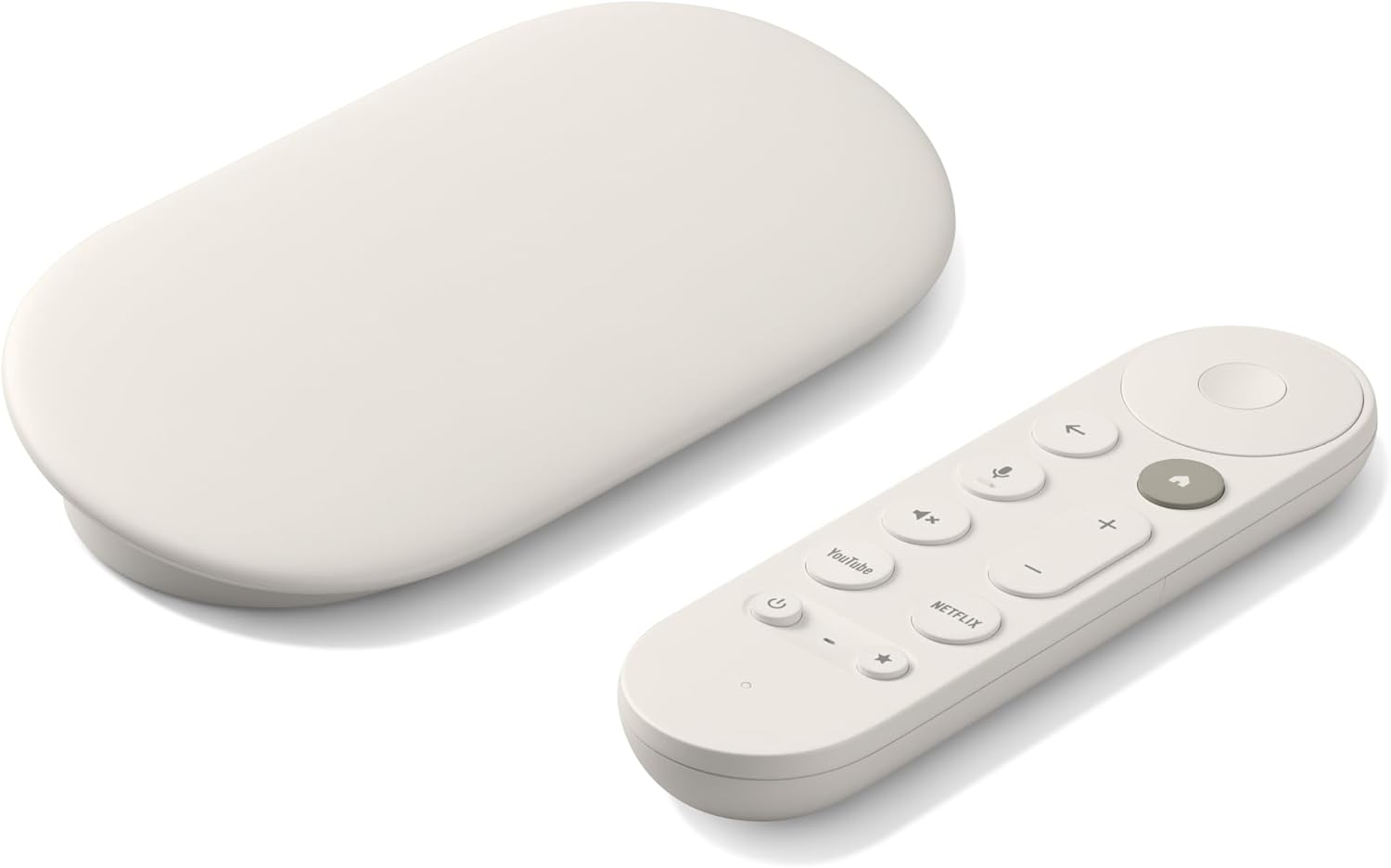
Google TV Streamer (4K)
Prices checked: July 9, 2026. Planning estimate, not live pricing.
Best for
Teams that want a current Google TV box with wired networking built in.
Google's current dedicated streamer in this four-device shortlist has Android TV OS, 4 GB of RAM, 32 GB of storage, Wi-Fi, and built-in gigabit ethernet according to Google's published specifications.
Affiliate link
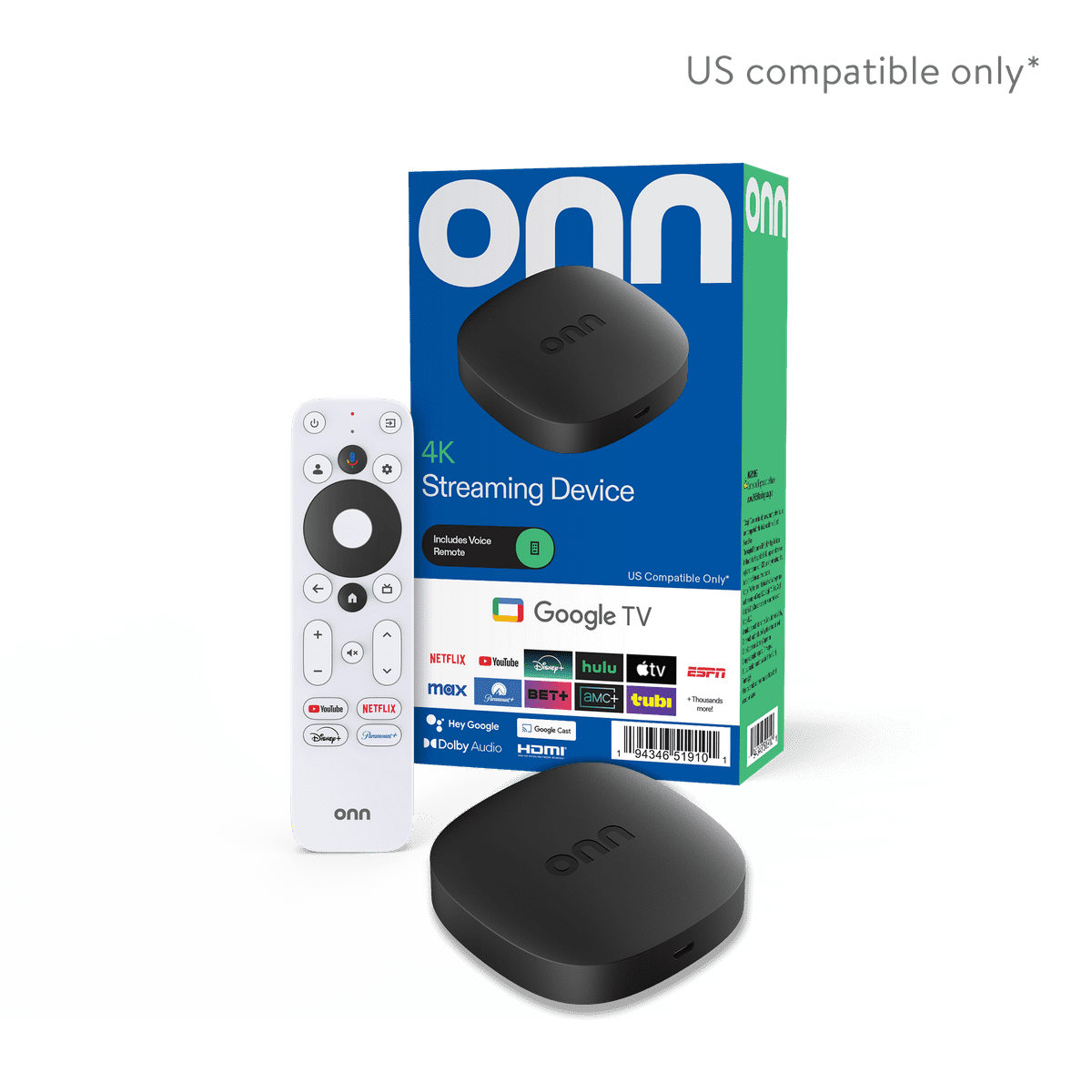
onn 4K Streaming Device with Google TV (2025 model)
Prices checked: July 9, 2026. Planning estimate, not live pricing.
Best for
Single-screen installs where the lowest checked upfront cost matters most.
The onn 4K Google TV device was listed at $24.88 when checked. It offers dual-band Wi-Fi and no built-in ethernet for simple webpage signs, menu boards, lobby screens, and other no-subscription installs.
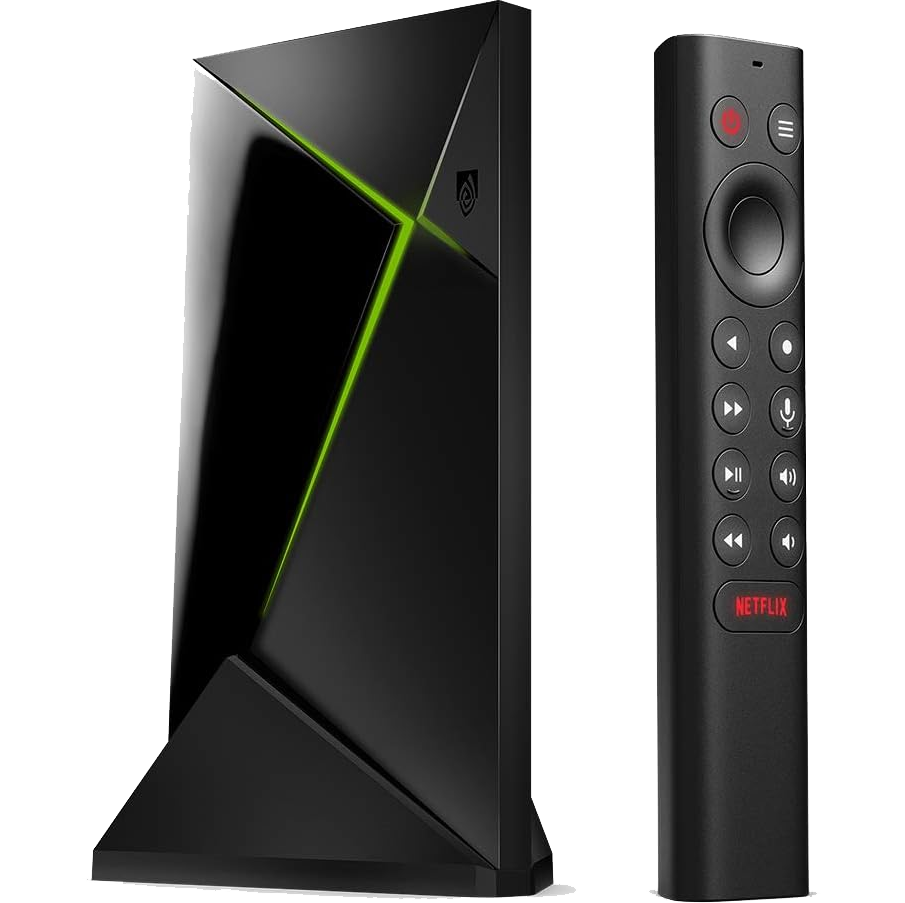
NVIDIA SHIELD TV Pro (2019 model)
Prices checked: July 9, 2026. Planning estimate, not live pricing.
Best for
Deployments where you want 3 GB of RAM, USB expansion, and built-in gigabit ethernet.
The SHIELD is the premium wired option. NVIDIA lists a Tegra X1+ processor, 3 GB of RAM, USB expansion, and gigabit ethernet.
Affiliate link
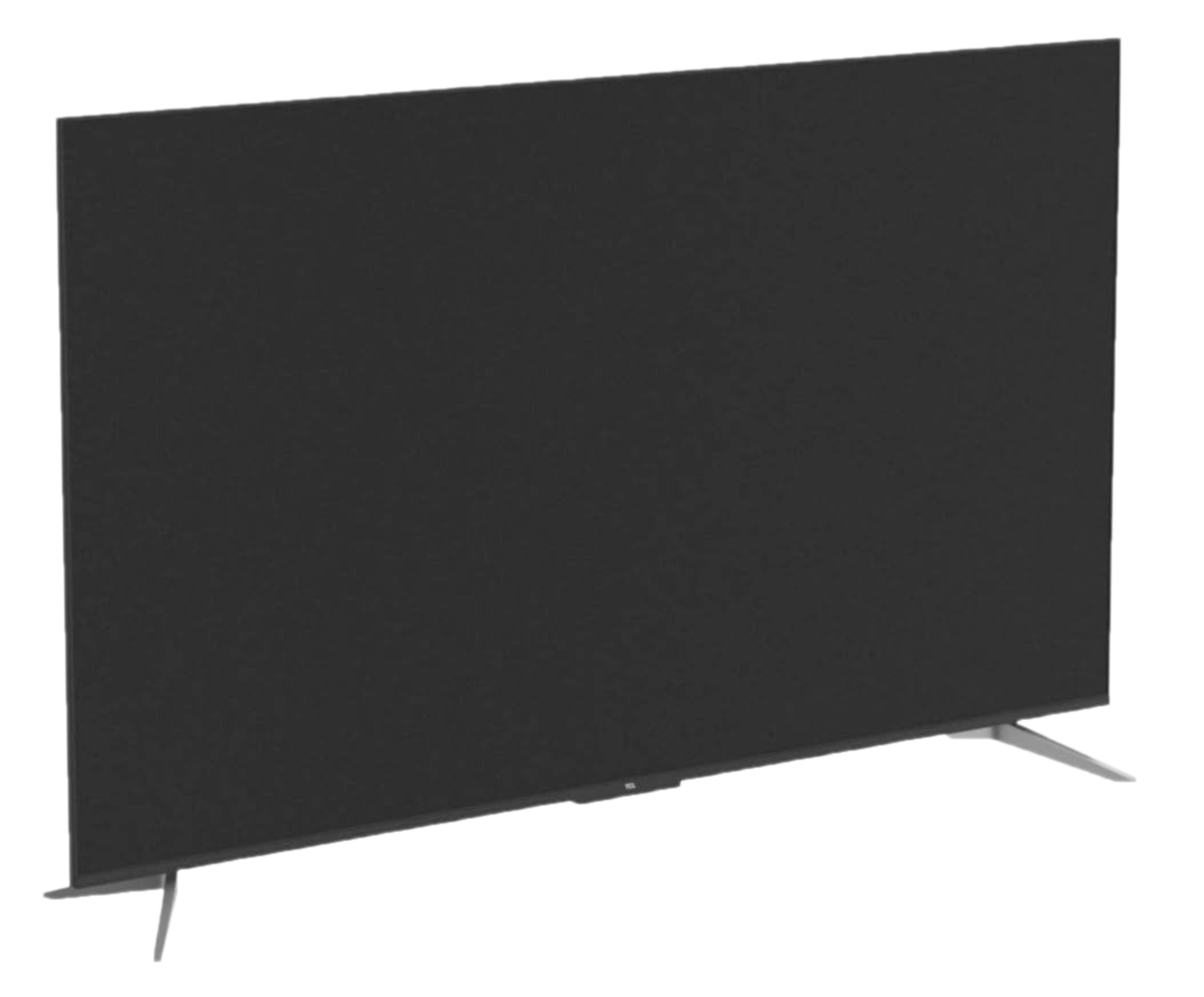
TCL 55" Q6 Google TV (55Q651G, 2024 model)
Prices checked: July 9, 2026. Planning estimate, not live pricing.
Best for
New installs where you want the screen and the signage device in one purchase.
A practical all-in-one option with Google TV built in. Pair it with Screen Keep and you avoid adding a separate box while still keeping the setup simple.
Affiliate link
Related buying guides
Choose hardware with the full workflow in mind, not just the box price.
These guides help you decide when Android TV is enough, when a Raspberry Pi kiosk adds maintenance, how recurring software changes the real cost picture, and whether a simpler web-page signage model fits your rollout.
Budget setup
Digital signage under $65
See why an affordable Google TV box plus the one-time Screen Keep option can be a serious no-subscription setup.
Best fit
Single-screen installs where a simple webpage sign can stay under $65 before tax
Why it matters
The cheapest setup is compelling only when the content and management workflow stay simple
Next move
Read the setup guide
Setup guide
Android TV signage setup
Understand the device, pairing, and network decisions before rollout.
Hardware, pairing, launch
Read article
DIY alternative
Raspberry Pi signage
Compare Pi kiosk maintenance with an app-based Android TV workflow.
Pi vs app setup
Read article
Cost guide
Digital signage cost guide
Compare lighter setups against recurring SaaS and larger CMS workflows.
DIY, SaaS, enterprise
Read article
Choose the hardware, then launch fast
Pair the right device with Screen Keep and get a polished screen live without forcing a subscription.
Start with the device that fits the rollout, then use the setup flow that keeps the software side simple.